
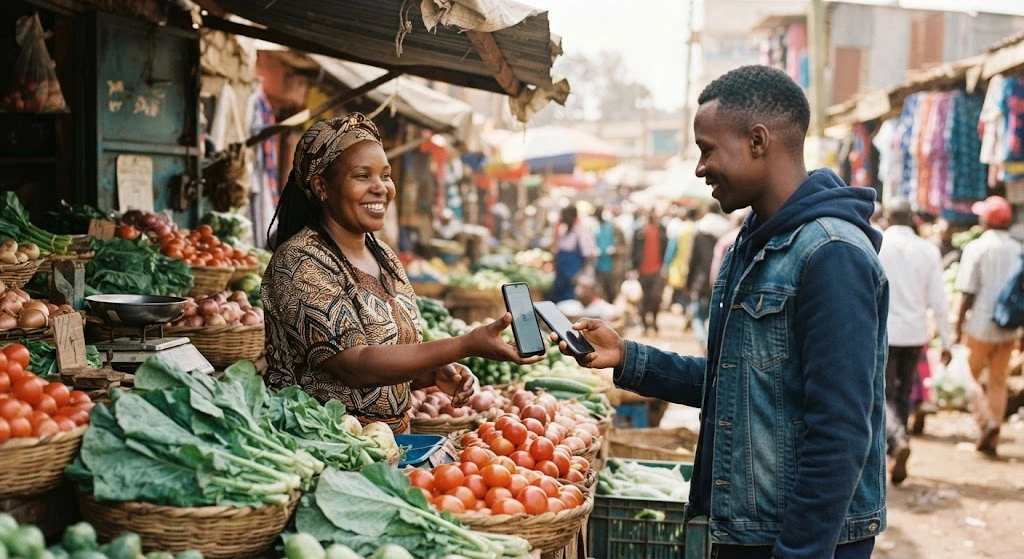
Safaricom gives a business three ways to take M-Pesa: Pochi la Biashara, a Buy Goods till and a Paybill. They differ most in two places. One is who pays the fee. The other is whether you can tell, from the statement alone, which customer paid.
Safaricom's tariff page lists the Pochi la Biashara payment rates "for 3 months from 1st August 2026", and gives no end date. Safaricom had not changed or replaced these rates when we checked on 6 November 2026, so the fees below may change. Read the fee on your confirmation message before you accept.
If you sell on your own and informally, start with Pochi la Biashara. You can set it up on *334# in a couple of minutes, with no paperwork. If you have a counter, a shop and maybe staff, get a Buy Goods till, because paying a till costs your customer nothing. If you need every payment tied to a person, the way a school needs fees tied to a pupil, you need a Paybill.
How the three compare
The biggest difference is the fee. Pochi charges the customer. A till charges the business. A Paybill lets the business choose.
| Pochi la Biashara | Buy Goods till | Paybill | |
|---|---|---|---|
Customer pays by | Lipa na M-Pesa, Pochi la Biashara, your phone number | Lipa na M-Pesa, Buy Goods, till number | Lipa na M-Pesa, Paybill, business number plus account number |
Who pays the fee | Customer (free up to KES 200) | Business, 0.55% capped at KES 200; free up to KES 500 | Business picks: customer, business or split; at most KES 108 |
Paperwork | None | National ID for an individual; KRA PIN, permit and registration for a business | KRA PIN, permit and registration |
Ready in | Minutes | About 10 minutes online for an individual; about a day for a business | Longer than a till |
Staff can take payments | No | Yes | Yes |
Collect through the Daraja API | No | Yes | Yes |
Telling who paid | Name on each SMS | Till statement | Account number on every payment |
Merchants (March 2026) | 2.1 million | 1.0 million | Not reported separately |
To work out a specific amount, try the till calculator or the Paybill calculator.
Pochi la Biashara
Pochi is a second balance on your personal M-Pesa line. Business money goes in one pocket and personal money stays in the other. Safaricom launched it in 2020 for people who sell alone and were never going to fill in a till application.
A lot of them have signed up. Pochi had 2.1 million merchants at the end of March 2026, up from 1.1 million a year earlier. Buy Goods tills grew to 1 million over the same year, so Pochi now has about twice as many merchants as tills.
To pay you, a customer opens Lipa na M-Pesa, picks Pochi la Biashara and types your phone number. Their confirmation message shows your business name instead of your number. Receiving costs you nothing. You pay ordinary M-Pesa charges when you withdraw the money or send it on.
The customer pays the fee:
| Payment (KES) | Customer pays (KES) |
|---|---|
1 to 200 | Free |
201 to 500 | 7 |
501 to 1,000 | 13 |
1,001 to 1,500 | 23 |
1,501 to 2,500 | 33 |
2,501 to 250,000 | 50 |
Pochi lives inside your personal M-Pesa limits. Since the Central Bank's 2022 directive, those are a KES 500,000 balance, KES 250,000 per transaction and KES 500,000 a day. Few small traders hit them. The usual reason to move on is simpler: you hire someone who also needs to take payments, or you want customers to pay nothing at your counter.
Buy Goods till
A till is a separate business account with its own number, the one on the green sticker by the counter. The customer picks Buy Goods and Services, types the till number and the amount, and enters their PIN. There is no account number to get wrong.
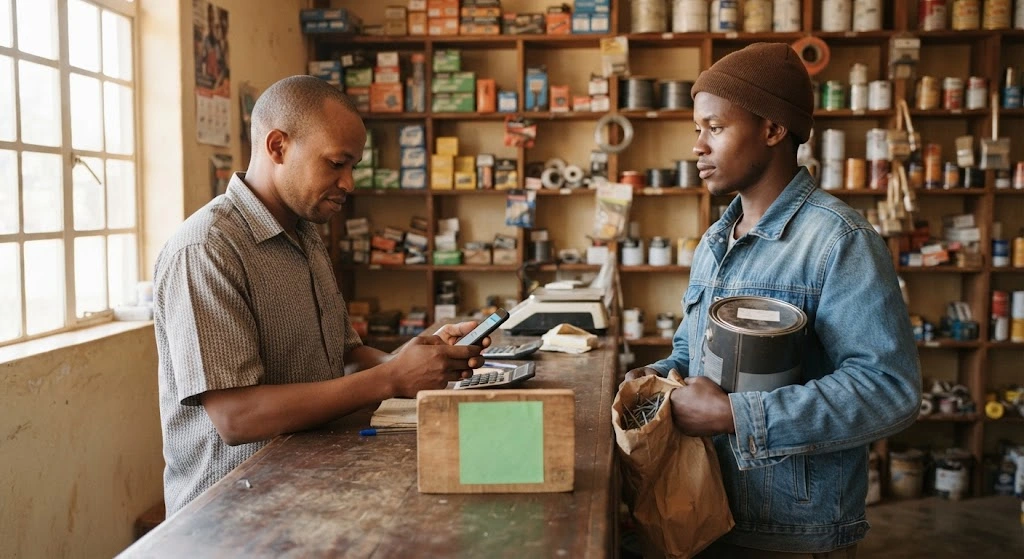
Paying a till is free for the customer at any amount. Fuel stations are the exception, and their customers pay a fee. The business pays instead: 0.55% of each payment, capped at KES 200. Since 7 August 2026, payments of KES 500 and below carry no fee at all. Before that, the free band stopped at KES 200.
This is the real case for a till over Pochi. A customer paying KES 3,000 to a Pochi pays KES 50. The same payment to a till costs them nothing and costs you KES 16.50.
Moving money out of a till also got cheaper on 7 August. Sending KES 1,001 to 1,500 from a till to a phone now costs KES 12, down from 23. The top band fell from KES 108 to KES 54.
An individual can get a till with just a national ID, plus a county permit where one is needed. Online, that takes about 10 minutes. A registered business also needs its registration certificate, a KRA PIN certificate and a business permit, and approval takes about a day. You can add staff as operators on the M-Pesa Business App, so whoever is at the counter can confirm payments.
Paybill
A Paybill asks the customer for two numbers: yours, and an account number. The account number is how you know who paid. Nairobi Water customers pay to 444400 with their water account number. KPLC prepaid customers pay to 888880 with their meter number.
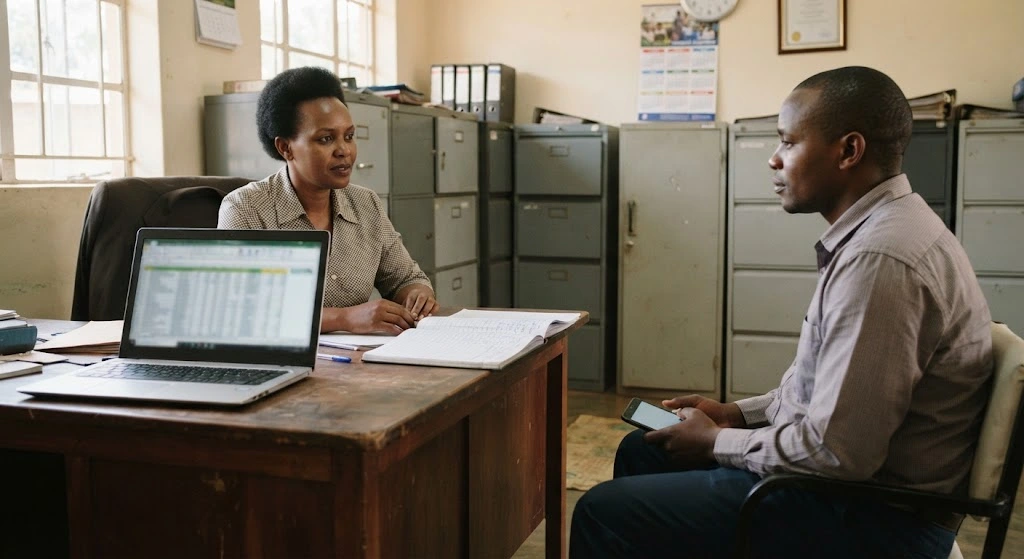
That is the only reason to pick a Paybill over a till, and for some businesses it settles the question. Take a landlord with forty tenants paying into a till. At month end that is forty SMS messages to match to forty names by hand. With a Paybill, each tenant types their house number and the statement does the matching.
The weak point is the same account number. A customer who mistypes it still pays your Paybill, but the money sits against the wrong reference until someone sorts it out. If you sell online, Safaricom's Daraja API can send a payment request straight to the customer's phone, already filled in. They enter their PIN and nothing else, so nothing gets mistyped.
The business decides who pays the fee when it sets up the Paybill. It can pass the whole charge to the customer, up to KES 108 a payment. It can absorb the whole charge itself. Or it can split it, which keeps the customer's share at KES 24 or less. Payments of KES 100 and below are free either way. The full bands are in our Paybill charges guide.
Signing up
For Pochi, dial *334# on the Safaricom line you want paid into, choose Pochi la Biashara and register. You give a business name, accept the terms with your PIN, and it works straight away. Our Pochi registration guide has each screen.
A till or a Paybill means an application, either at a Safaricom shop or online at m-pesaforbusiness.co.ke. The steps and document lists are in our guides to applying for a till and applying for a Paybill. A Paybill takes longer, because Safaricom also sets up your account-number format and fee option.
You don't have to choose just one. Plenty of traders keep Pochi running while a till application goes through. Plenty of businesses run a till for walk-in customers and a Paybill for invoices.
Common questions
Do I pay tax on Pochi income?
Yes. Pochi doesn't ask for a KRA PIN, but business income is taxable whichever way it arrives. Your Pochi statement is a record you can use when you file. The excise duty inside your M-Pesa fees is a separate tax; we explain it in what KRA taxes on mobile money.
A customer paid the wrong number. Can it be reversed?
For till and Paybill payments, the customer calls Safaricom on 100. The 456 SMS route is for person-to-person transfers. With Pochi, Safaricom only reverses a payment with the business owner's approval. Our reversal guide covers every route.
Do I need a bank account for a till or Paybill?
No. You can move till or Paybill money to a phone or to another Paybill. A business bank account makes the books cleaner, though, and you can link M-Pesa to your bank. Your M-Pesa business record also counts with lenders. Safaricom's own Taasi Pochi and Taasi Till loans are offered to merchants on that basis.
Disclaimer: mobilemoney.co.ke is independent and not affiliated with Safaricom, Telkom Kenya, or Airtel Kenya. It does not process payments. All content is subject to verification — confirm transaction details and charges with the respective provider before acting.