
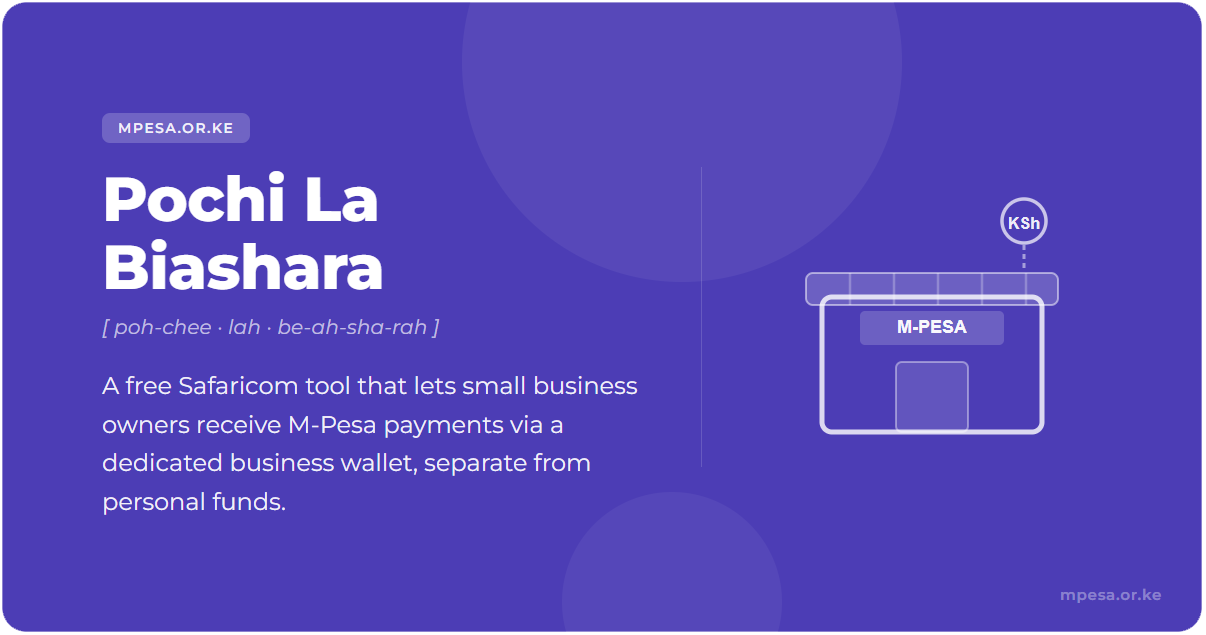
Pochi la Biashara is a separate business wallet on your own M-Pesa number. You switch it on from *334# or the M-Pesa app, it needs no paperwork, and a customer pays you with just your phone number. Receiving money is free for you. Moving it out costs the normal M-Pesa rates, and the M-Pesa limits of KSh 250,000 per transaction and KSh 500,000 per day apply, according to Safaricom
Safaricom's tariff page lists the Pochi la Biashara payment rates "for 3 months from 1st August 2026", and gives no end date. Safaricom had not changed or replaced these rates when we checked on 6 November 2026, so the fees below may change. Read the fee on your confirmation message before you accept.
It suits vendors, kiosk owners, boda-boda riders and market traders who want business money kept apart from personal money without opening a till. Safaricom does not issue a new SIM, number or till. Pochi runs on your existing M-Pesa line.
How do you set up Pochi la Biashara?
Safaricom's page says opt-in is currently available on USSD. Use your M-Pesa-registered line.
- Dial *334#.
- Select Pochi La Biashara.
- Select Join Pochi and accept the Terms and Conditions.
- Choose your business category from the list.
Your M-Pesa PIN approves Pochi transactions, so there is no separate PIN. After opting in you manage the wallet from *334# or the M-Pesa app, which both offer balance, statement and opt-out.
What does Pochi la Biashara cost?
Safaricom says standard M-Pesa rates apply, with no separate Pochi fee schedule. In practice:
- Receiving: the customer pays the fee and you receive the full amount.
- Withdrawing at an agent: you pay the normal withdrawal charge.
- Moving money between Pochi and M-Pesa: Safaricom lists it as a feature and does not publish a fee for it.
Customers pay nothing on KSh 200 or less and never more than KSh 50. Our guide on Pochi la Biashara charges has the full table.
What can you do with the money in your Pochi?
- Send money from the wallet.
- Withdraw cash at an agent directly, without moving it to M-Pesa first.
- Pay a Paybill or Buy Goods till with Lipa na Pochi. See how to pay using Pochi.
- Sell airtime from the wallet and earn 5% commission. Buying airtime for yourself earns none.
- Check your balance and statement, or view the mini statement.
- Buy discounted daily or monthly data bundles under Biashara Smart on *334#.
How does a customer pay your Pochi?
Customers pay your phone number, not a till number. On the M-Pesa app they choose Pay, then Pochi la Biashara, then enter your number and the amount. On USSD it is *334#, Pochi La Biashara, Send money. On the SIM toolkit it is Lipa Na M-PESA, then Pochi la Biashara.
Payments you receive cannot be reversed unless you approve it.
Pochi la Biashara vs Till vs Paybill
Pochi is the lightest option: no paperwork, no new number, and customers pay your phone number. A Buy Goods till gives you a till number customers recognise and which can settle to your account. Paybill suits businesses that need customers to enter an account number. Which fits depends on how you get paid, so read Pochi, Till or Paybill: which M-Pesa option fits your business. You can also compare payment costs with the cheapest way to pay calculator.
If you outgrow Pochi, small-business credit is available too: see Taasi Pochi.
How do you leave Pochi la Biashara?
On USSD, dial *334#, select Pochi La Biashara, then My Account, then Leave this Service, and confirm with option 1. In the M-Pesa app, open Pochi la Biashara, tap the three dots and select Opt out. Any money in the Pochi moves to your M-Pesa account straight away, and you get an SMS confirmation.
Frequently asked questions
Is Pochi la Biashara free?
Joining costs nothing and receiving is free for you. You pay standard M-Pesa charges when you move or withdraw money.
Do you need a new SIM or number?
No. It runs on your existing M-Pesa number.
What is the limit?
The normal M-Pesa limits: KSh 250,000 per transaction and KSh 500,000 per day.
Can you sign up in the M-Pesa app?
Safaricom says opt-in is currently available only through *334#. The app is for managing the wallet after that.
Is there a monthly fee?
The Safaricom pages we reviewed mention none, only the standard M-Pesa charges.
More on Pochi la Biashara
Disclaimer: mobilemoney.co.ke is independent and not affiliated with Safaricom, Telkom Kenya, or Airtel Kenya. It does not process payments. All content is subject to verification — confirm transaction details and charges with the respective provider before acting.