
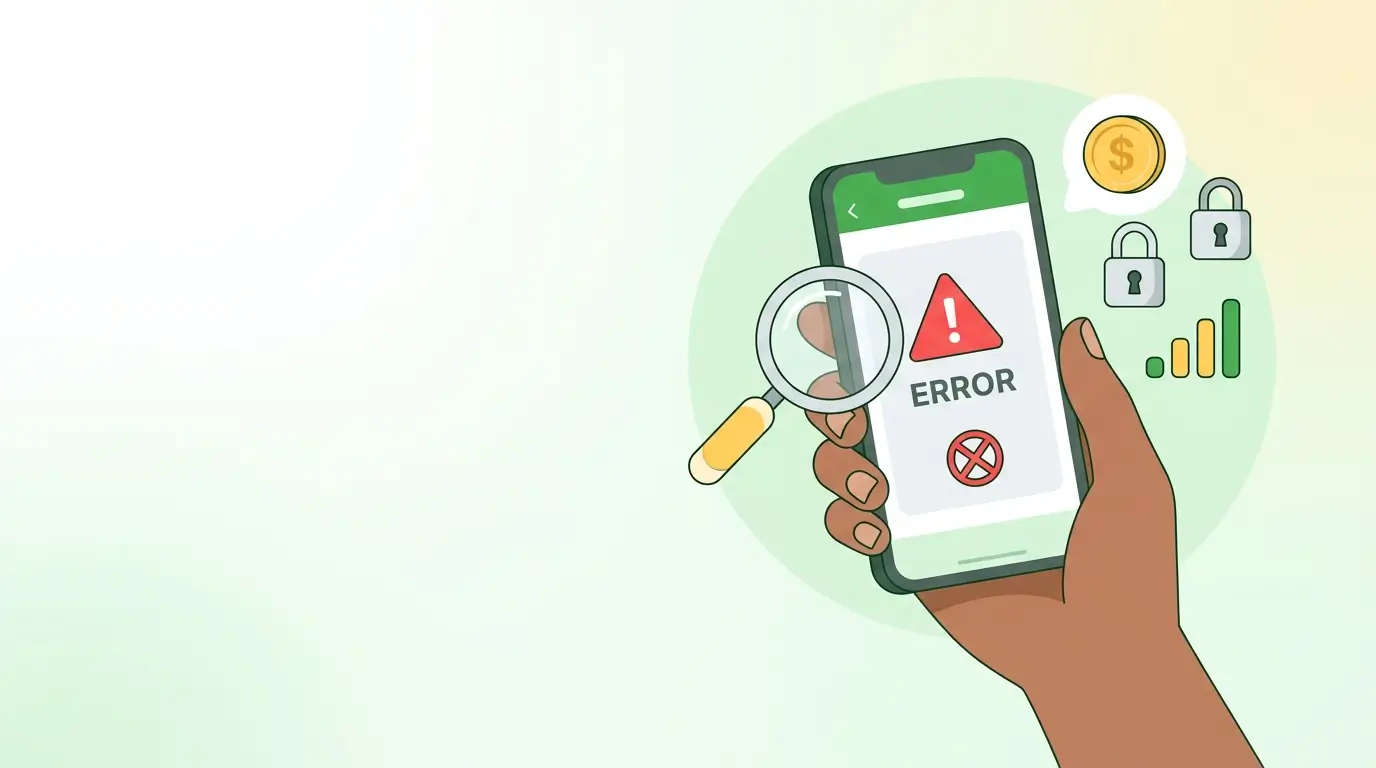
When an M-Pesa transaction fails, the message on your screen tells you which of four things went wrong: your balance, your PIN, a limit, or the network. Safaricom does not publish an official list of numbered error codes, so this guide sorts the messages you actually see by cause and gives the fix for each. Before you retry anything, check your M-Pesa SMS for a confirmation, because many "failed" transactions have gone through.
What should you do first when an M-Pesa transaction fails?
- Do not retry straight away. A second attempt can send the money twice if the first one went through.
- Check your SMS inbox for an M-Pesa confirmation with a transaction code. If you have one, the transaction succeeded.
- Check your balance by dialling *334# or opening the M-Pesa app. If the money left your account but the recipient has not received it, keep the SMS and see the reversal section below.
- Read the exact wording of the failure message and match it to the sections below.
Are there official M-Pesa error codes?
Not in the sense most people expect. Safaricom shows plain-language messages, and some third-party websites list codes such as MR101 or MR105 with their own explanations. None of those lists comes from Safaricom, and they disagree with one another, so we do not treat any numbered code as reliable. If a code appears on your screen, search for the wording next to it instead, or quote both to customer care on 100 (prepaid) or 200 (postpay).
The exception is developers. If you are integrating the Daraja API, the result codes in the response are documented on the Safaricom Daraja developer portal and are a separate matter from the messages customers see.
What do common M-Pesa failure messages mean?
| Message you see | What it usually means | What to do |
|---|---|---|
| Insufficient funds / "You do not have enough money in your M-Pesa account" | Your balance cannot cover the amount plus the transaction fee | Deposit or lower the amount. Remember the fee is added on top. Check your Fuliza limit if you use it |
| Wrong PIN | The PIN you entered does not match | Re-enter it carefully. Repeated wrong attempts lock the PIN |
| PIN locked | Too many wrong PIN entries | Reset it using our M-Pesa PIN guide |
| Transaction limit or daily limit exceeded | The amount is above the single-transaction or daily cap | Send a smaller amount, or wait for the next day's reset |
| Recipient's balance would be exceeded | The receiver's wallet would go over its maximum balance | Ask the recipient to move money out of M-Pesa first, then resend |
| Recipient not registered / invalid number | The number is mistyped, or is not an M-Pesa line | Check the number digit by digit, and confirm the name on the Hakikisha screen |
| Service unavailable / try again later | A network or system problem, not a problem with your account | Wait 10 to 15 minutes, then check your balance before retrying |
| Request cannot be processed at this time | A temporary block or an account restriction | Retry once. If it repeats, call 100 or 200 or visit a Safaricom shop with your ID |
Wording varies by channel. USSD, the M-Pesa app and the SIM toolkit do not always phrase the same failure identically.
Why did my transaction fail when I have enough money?
The most common reason is that the balance covers the amount but not the fee. If you send KSh 1,000 from a KSh 1,000 balance, the fee has nowhere to come from. Check the exact charge in our M-Pesa send money charges guide.
The next most common reasons are a daily or per-transaction limit, a recipient whose wallet is full, and a poor connection that drops a USSD session halfway. For USSD failures, start the session again from the beginning instead of pressing back through old menus.
What if the failure message appears but money left my account?
This is the case worth acting on quickly. Look for the transaction code in your M-Pesa messages.
- If you have a confirmation SMS and the recipient also got the money, the transaction worked. The failure message was a display problem.
- If your balance dropped but you have no confirmation, wait a few minutes and check again. Some transactions are still processing.
- If the money is clearly gone to the wrong person or has not arrived after a short wait, forward the confirmation SMS to 456 within 24 hours. The full steps are in our guide on how to reverse an M-Pesa transaction.
If you already sent to a mistaken number, read what to do when you send money to the wrong number.
What about failed Paybill payments?
A Paybill payment can leave your account successfully and still not show up with the company. That happens when the account number is wrong or the business has not credited it yet, so the M-Pesa side shows no error at all. Keep the confirmation SMS and contact the company with the transaction code and account number. Our Paybill guide explains how to pay correctly and which mistakes to avoid.
When should you contact Safaricom?
Call 100 (prepaid) or 200 (postpay) when the same failure repeats after you have checked your balance, PIN and signal, when money has left your account without a confirmation, or when you suspect your account is restricted. Have your ID and the failed transaction's time, amount and recipient ready. If you are unsure whether a call or message asking about a failure is genuine, do not share your PIN with anyone. Safaricom will never ask for it.
Frequently asked questions
Does a failed M-Pesa transaction cost me anything?
A transaction that truly fails should not be charged. If you see a charge with no completed transaction, quote the details to customer care.
Should I retry a failed M-Pesa transaction?
Only after you have checked your SMS and balance. Retrying blindly is how people end up paying twice.
How long does M-Pesa take to correct a stuck transaction?
Many resolve within minutes. If yours does not, reverse it within 24 hours or call customer care.
Why does M-Pesa say "service unavailable"?
It is usually a temporary network or maintenance problem on Safaricom's side. Wait and try again instead of repeating the request.
Can I get a full record of failed transactions?
Yes. Your M-Pesa statement lists transactions with their status. See our guide on how to get an M-Pesa full statement.
Disclaimer: mobilemoney.co.ke is independent and not affiliated with Safaricom, Telkom Kenya, or Airtel Kenya. It does not process payments. All content is subject to verification — confirm transaction details and charges with the respective provider before acting.