
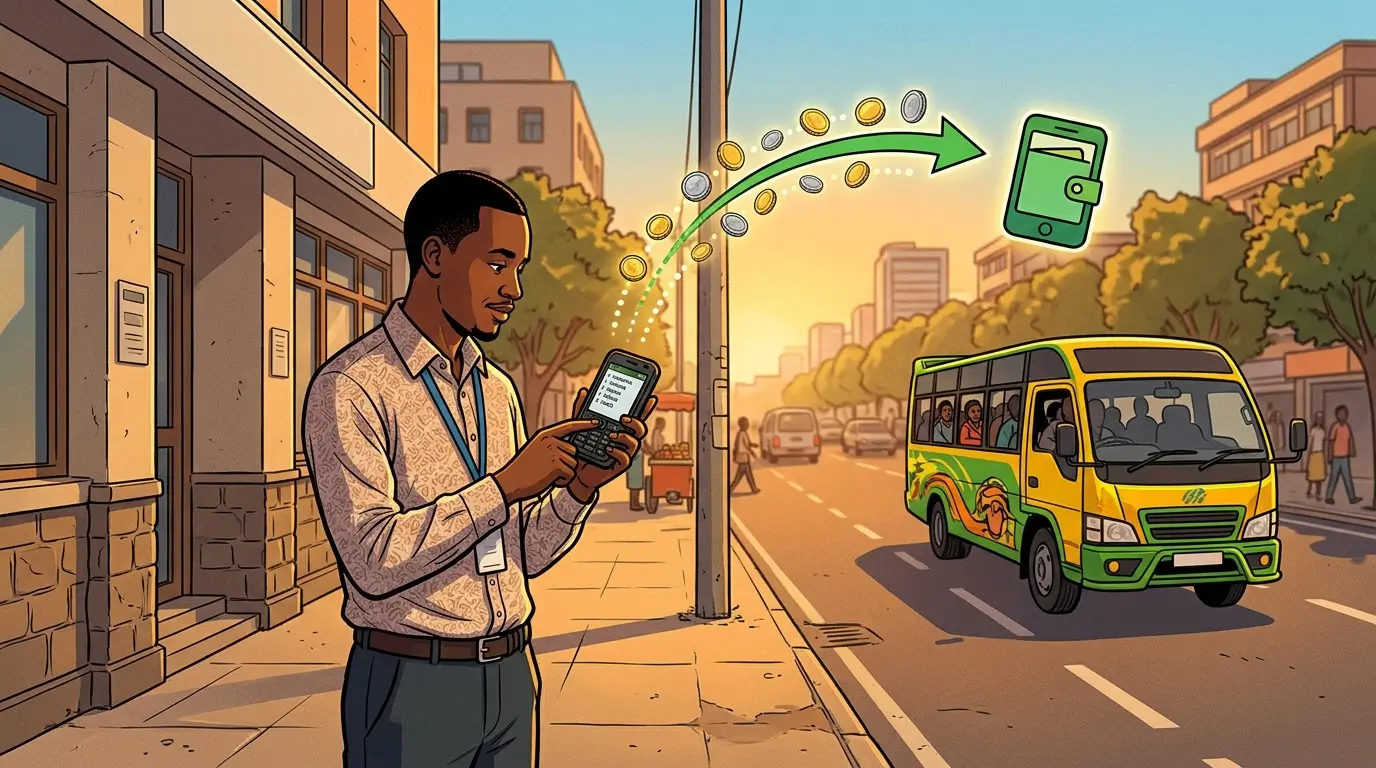
To move money from a bank account to M-Pesa, you dial your bank's own USSD code, choose the M-Pesa option and enter the phone number. There is no single code for it. Safaricom says the menu "is different for different banks", so the steps below are the common shape and your bank's menu decides the wording.
This page covers what you need before you start, the codes and menu paths seven banks publish on their own sites, and what the transfer costs. The reverse direction, M-Pesa to a bank account, works differently and has its own guide.
What do you need before you can transfer from a bank to M-Pesa?
You need two registrations. Safaricom's page on M-Pesa and your bank asks for mobile banking with your bank, plus an M-Pesa account registered at any agent outlet. M-Pesa registration is free.
Mobile banking registration is the part people skip. Without it your bank will not give you access to its USSD menu, so register at a branch or through the bank's app first.
How do you transfer money from your bank to M-Pesa?
- Dial your bank's USSD code.
- Log in with your mobile banking PIN.
- Choose the send money or M-Pesa option.
- Pick your own number or enter another M-Pesa number.
- Choose the account to debit and enter the amount.
- Confirm the details and approve with your PIN.
The M-Pesa user receives an SMS from M-Pesa when the money lands. Family Bank's page says the beneficiary is notified by M-Pesa once the transaction is submitted. You approve with your mobile banking PIN, not your M-Pesa PIN.
What are the bank USSD codes for M-Pesa transfers?
Safaricom publishes a full list of bank codes and paybill numbers in its Complete Mobile Banking Codes PDF on safaricom.co.ke, but it is the 2025 edition. The table below uses what each bank says on its own site. Some of those bank pages are several years old, so treat the menu wording as a guide and trust the menu on your screen.
| Bank | Code | What the bank's own site says |
|---|---|---|
| Co-operative Bank | *667# | Register on *667#, enter your McoopCash PIN, choose Send money, then the mobile money option and the provider. All Co-op accounts except Hekima can send to M-Pesa. |
| Family Bank | *325# | Log in, pick the M-PESA menu, choose the Family Bank to M-PESA option, then your own number or another mobile. |
| Standard Chartered | *722# | Lists Send Money (MPESA or Airtel) among its USSD functions. You change the one-time PIN to a 6-digit PIN on first use. |
| Equity Bank | *247# | The menu sends money to your own Equity account, other Equity accounts, other banks or a mobile wallet. |
| KCB | *522# | KCB says its mobile banking moves money from a KCB account to M-Pesa wallets. We could not confirm the exact *522# menu wording on KCB's site. |
| NCBA | *488# | NCBA's ways-to-bank page lists *488# for its USSD menu and says it moves money between an NCBA account and M-Pesa. It does not publish the menu wording. NCBA's own pages say the sender pays the normal M-Pesa fee on incoming payments for NCBA Till, and we could not confirm that this applies to USSD transfers. |
| Absa | *224# | Absa Hello Money offers balance, mini-statement, airtime and transfers. Absa's page does not spell out the M-Pesa menu wording. Absa's own M-Pesa deposit paybill is 303030, which is the reverse direction. |
Code lookup for other banks and for paying a bank by paybill is in the USSD directory and the paybill directory. Each of the seven banks has its own page: Equity Bank USSD, KCB USSD, Co-operative Bank USSD, NCBA USSD and Absa USSD.
What does a bank to M-Pesa transfer look like in practice?
Take a transfer of KSh 5,000 from a Co-operative Bank account to your own M-Pesa number. The figure is an example. Dial *667# and enter your McoopCash PIN. Choose Send money, then the mobile money option and M-Pesa. Pick your own number, enter 5000 and approve with the same PIN. The bank debits KSh 5,000 plus any fee it charges. M-Pesa sends you an SMS that the money has arrived.
Two checks are worth making. First, read the fee on the confirmation screen before you approve, because the fee belongs to the bank and not to Safaricom. Second, keep the bank's SMS and the M-Pesa SMS together. If the money does not appear, the bank's reference is what its support team searches for. Other banks follow the same order of steps with their own codes, so use the table above to find yours.
How much does a bank to M-Pesa transfer cost?
Your bank sets the fee, and it varies by bank and account type. Safaricom's tariff page lists no bank-to-M-Pesa charge. The fee tables we found on bank sites are dated: Family Bank's tariff guide is from 2019 and Co-op's from 2022. Neither is safe to quote today.
So read the fee on the confirmation screen before you approve. If the screen shows no fee, check the bank's current tariff guide.
How much can you transfer?
M-Pesa itself allows KES 250,000 per transaction and a balance of up to KES 500,000. Your bank's own cap is usually the tighter one. Co-op's 2022 tariff document, for instance, set mobile banking at KES 70,000 per transaction. Ask your bank for its current figure. The mobile money limits guide has the M-Pesa side.
How do you send money the other way, from M-Pesa to a bank?
That runs through Paybill: open the M-Pesa menu, go to Lipa na M-PESA, choose Pay Bill, enter the bank's business number, use your bank account number as the account, then enter the amount and your M-Pesa PIN. The full steps and fees are in the guide to depositing cash into your bank account from M-Pesa. To connect the two accounts properly in the first place, see how to link your M-Pesa account to your bank account.
Disclaimer: mobilemoney.co.ke is independent and not affiliated with Safaricom, Telkom Kenya, or Airtel Kenya. It does not process payments. All content is subject to verification — confirm transaction details and charges with the respective provider before acting.