
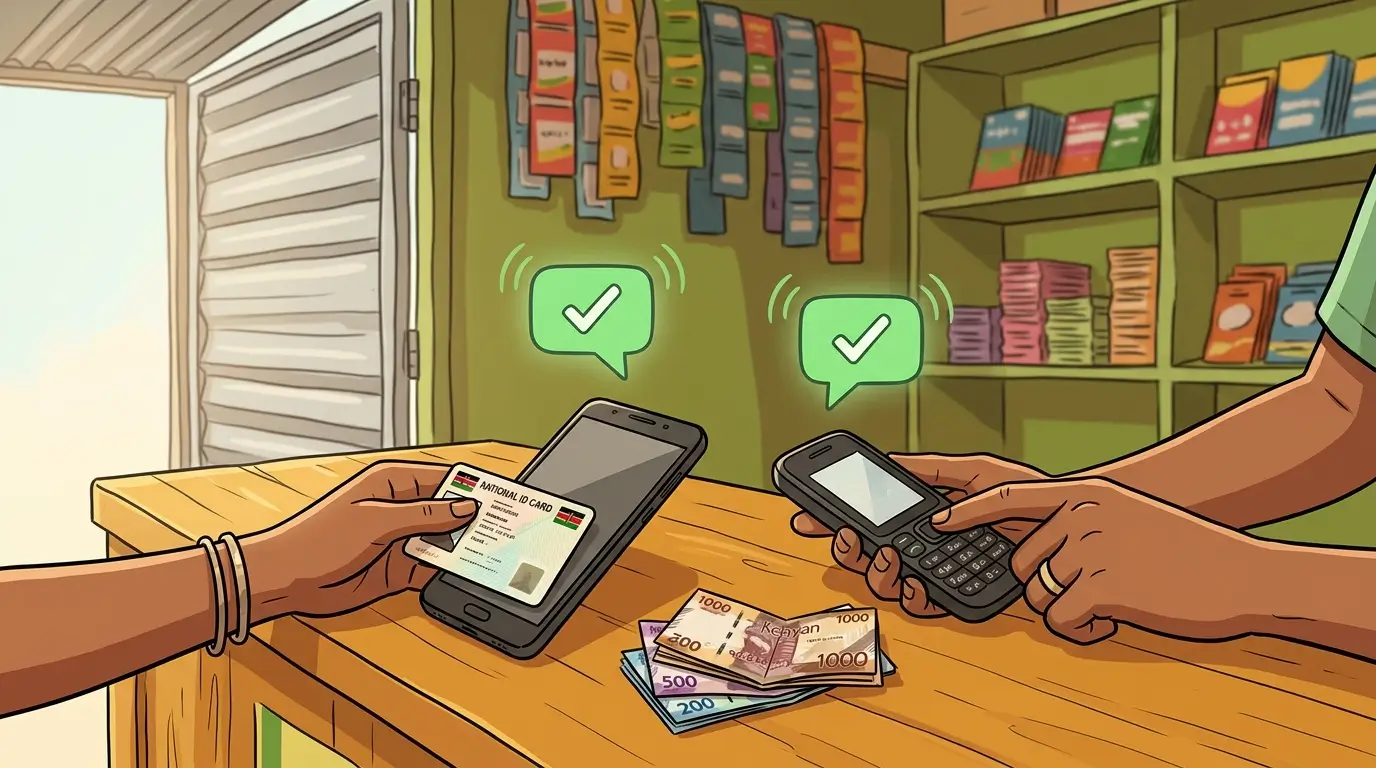
Depositing cash into M-Pesa at an agent takes four steps and costs nothing. You hand the agent cash, the agent sends you the same amount in e-money from their phone, and both of you get an SMS from M-Pesa confirming it.
That is Safaricom's own description of the process. This guide covers the steps, the ID the agent will accept, and the limits that can get in the way of a large deposit.
How do you deposit cash at an M-Pesa agent?
- Go to an authorised M-Pesa agent with your phone and your original ID.
- Tell the agent how much you want to deposit.
- The agent sends you e-money from their agent phone in exchange for your cash.
- You and the agent each receive an SMS from M-Pesa confirming the transaction.
Read your SMS before you leave the counter. The amount should match the cash you handed over. You never enter your M-Pesa PIN during a deposit, because the agent is the one sending the money. An agent who asks for your PIN is asking for something the process does not need.
What ID do you need to deposit cash?
Safaricom accepts five documents for cash deposits and withdrawals at an agent: a Kenyan National ID, a Kenyan passport, a foreign passport, a military ID and a foreigner certificate. Its steps specify the original document.
Registering a new M-Pesa line at an agent is stricter. Agents register only customers who show a Kenyan National ID or a Kenyan passport. Everyone else registers at a Safaricom shop or customer care desk.
Does Safaricom charge for a deposit?
No. Safaricom's M-Pesa charges page lists all deposits as free, and the page was last updated on 4 August 2026. A fee asked for at the counter is not on Safaricom's tariff.
Can you deposit cash into someone else's M-Pesa account?
No. Safaricom says cash deposits at an agent can only go into your own registered M-Pesa account. To get money to another person, deposit it into your own account and send it from there. Sending KES 1,000 to another M-Pesa number costs KES 13, and the full table is in the guide to sending money on M-Pesa.
How much cash can you deposit?
Safaricom's tariff page lists no separate cap for deposits, so the general M-Pesa limits apply: KES 250,000 per transaction, KES 500,000 in transactions per day and KES 500,000 as the most your account can hold. The last one catches people out. If your balance is KES 400,000, a KES 150,000 deposit would take you past the ceiling.
Check the balance first. Dial *334#, open My Account and choose Check Balance, and Safaricom sends the figure by SMS. The mobile money limits guide has the full set of caps for M-Pesa, Airtel Money and T-Kash.
What if the agent sends the money to the wrong number?
If your SMS does not arrive, stay at the counter and ask the agent to check the number they entered against yours. A wrong digit is the usual cause, and it is easiest to fix while you are still there.
Safaricom's route for reversing a transaction yourself is to forward the confirmation message to 456. Customer care is 100 on a prepay line and 200 on postpay.
What are the other ways to put money into M-Pesa?
An agent is the only route that takes cash directly. The guide to depositing money into M-Pesa compares all of them. If the money is already in a bank account, see how to deposit cash into M-Pesa from a bank account. If you have a card and a cash-deposit ATM, depositing cash into M-Pesa from an ATM explains what works. And if the money sits in another wallet, use deposit from mobile money transfers.
Disclaimer: mobilemoney.co.ke is independent and not affiliated with Safaricom, Telkom Kenya, or Airtel Kenya. It does not process payments. All content is subject to verification — confirm transaction details and charges with the respective provider before acting.